Please note: This feature is off by default and has to be enabled by the ClockOn administrator. This can be enabled within the Employee Access Groups page.
Employees with access to the ClockOn employee portal can have the ability to record their attendance from within this site.
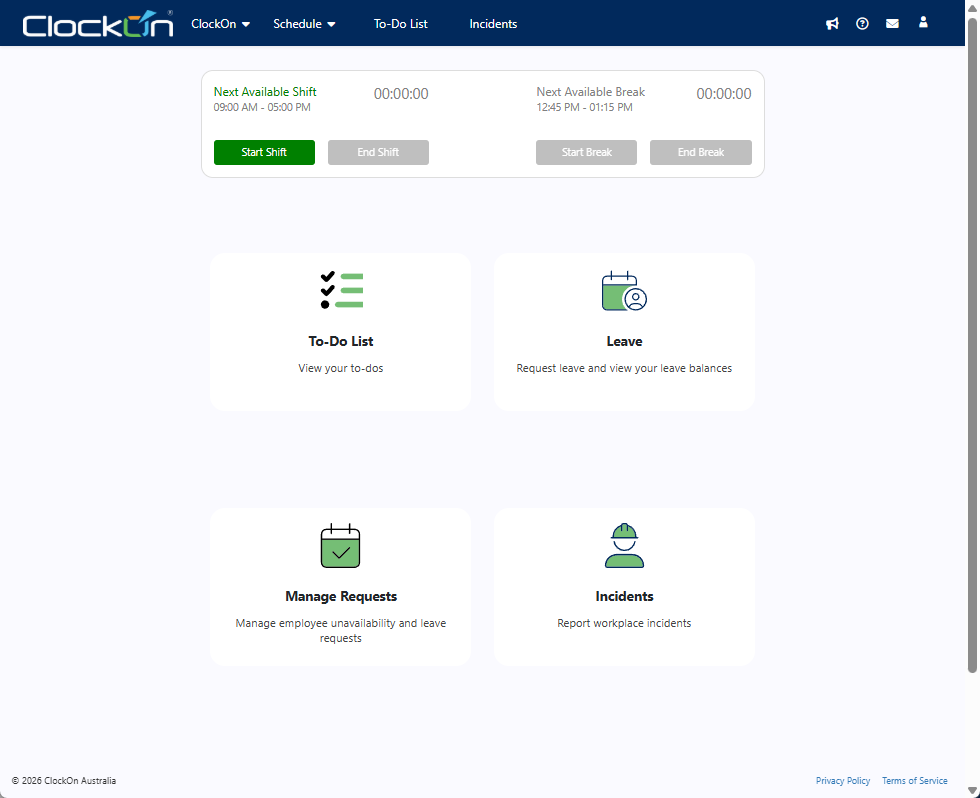
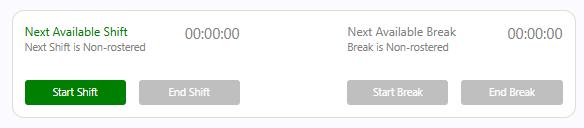
Using the Start Shift, End Shift, Start Break, & End Break buttons will record the employee's attendance against the timesheets.
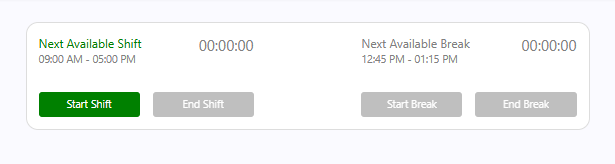
By design, the employees will only be able to select the options relevant to the current state of their timesheets. In the above the employee has yet to start their shift.
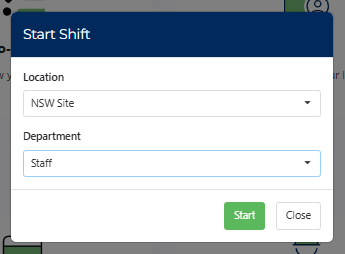
There is an optional feature to allow the employees to select the location and department that they are working at, at the point of clocking on for the shift. If enabled the employee will need to complete the following.
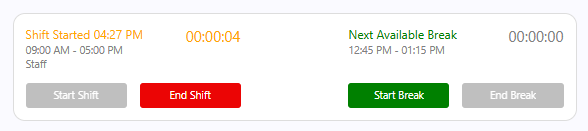
After the shift has been started the option changes to allow then to either end the shift or start a break
If the employee does not have an available shift on the day, they will be advised that a Non-rostered shift is available to allow them to record their times. This is useful for staff that get called in on a day off or for customers that do not pre-roster staff.
The options to allow Non-rostered shifts are enabled on the employee's by default, from the Employee Profile screen > Special Options tab. If this is not required it can be disabled bt turning off Allow Non Rostered Clock On / Off