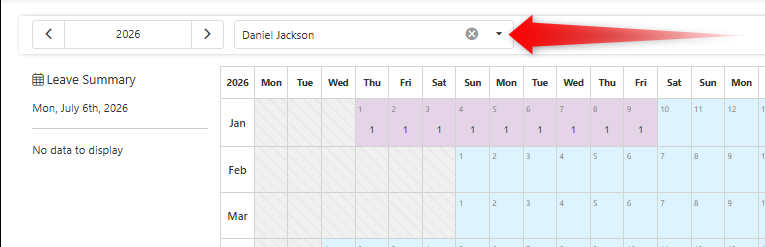
The leave overview calendar allows users a view over which employees have leave time sheets set and on which days within the selected year.
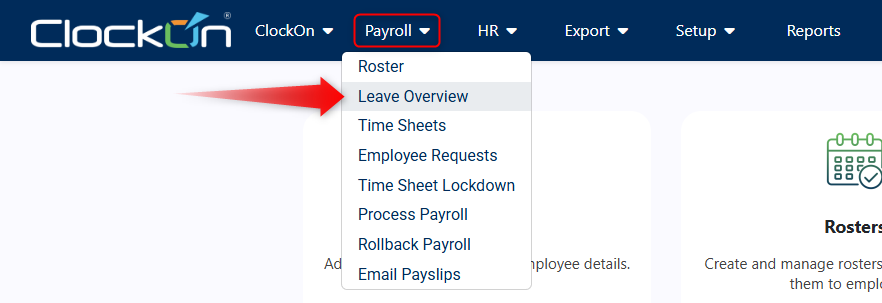
To open the leave overview calendar, use the Payroll > Leave Overview menu option.
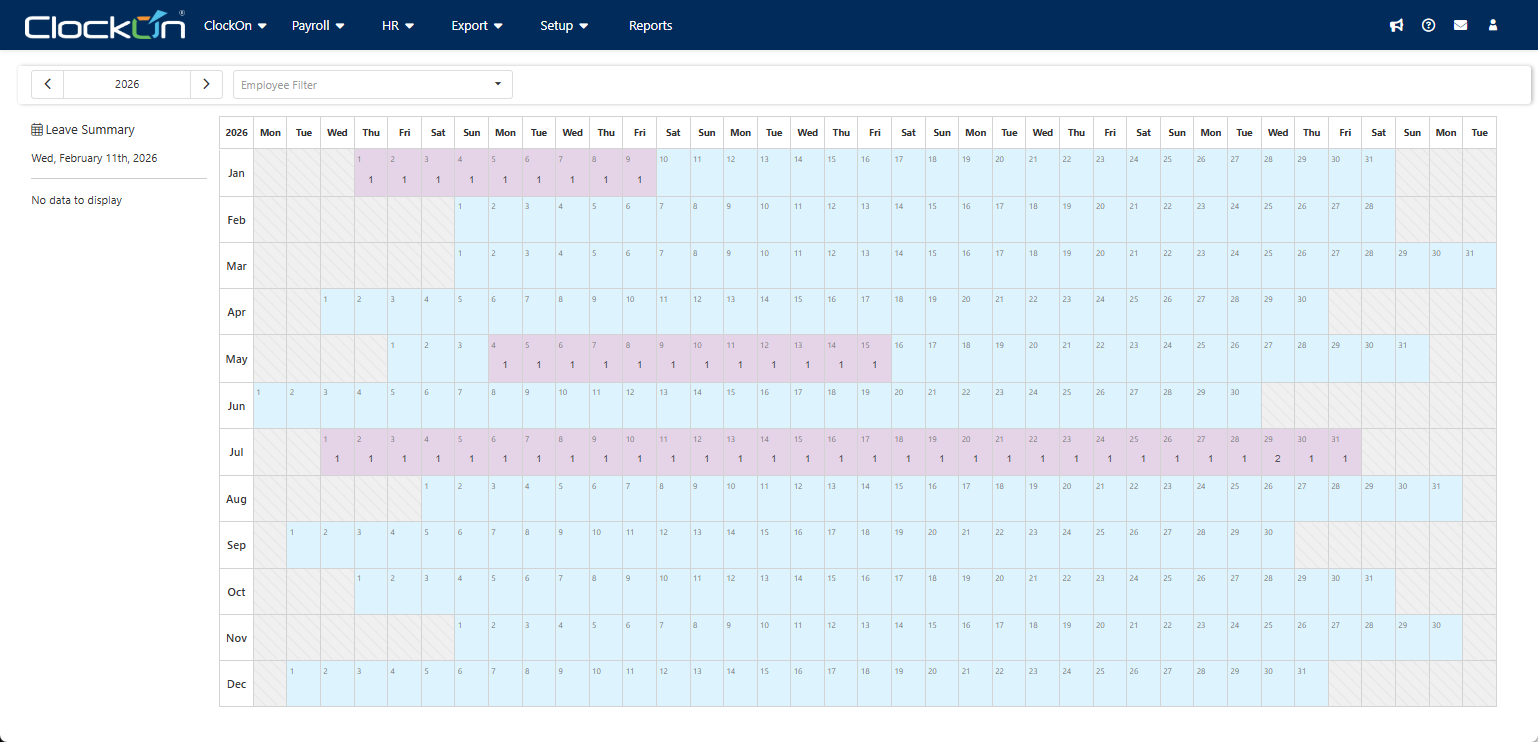
On loading the calendar, you will see a yearly calendar with numbers over the days that there were employee that have leave time sheets.
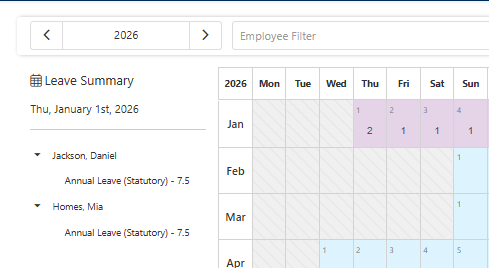
Selecting a date will allow you to show a listing of the employees and the type of leave that was taken. In the example below the 1st of January 2026 is selected, 2 employees are on leave, both with 7.5 hours of statutory annual leave.
The employee filter can also be used for assessing either individual employee leave taken instances. In the below instance the focus is on the employee Daniel Jackson, showing just their leave in early January, excluding any other employees.