This article details how customers can update their company contact and address details across the ClockOn system.
As the system allows for items like separate locations and owner and account level details the contact details need to be checked across several areas in the system to ensure accuracy.
Location Manager
The location manager houses the information relating to each site that is setup with in the ClockOn organisation. This allows a greater freedom with organising the employees with rostering payroll and reporting.
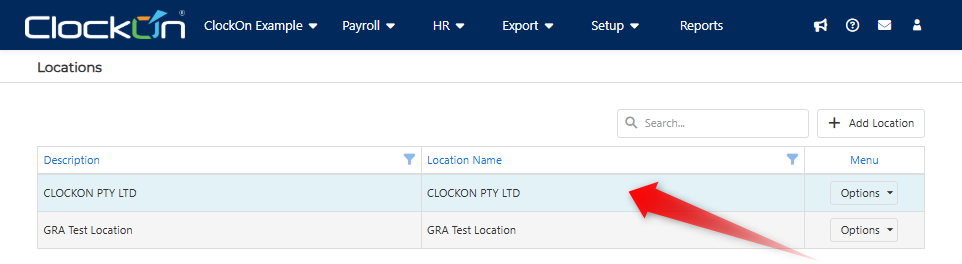
To check/update these settings use the Setup > Locations menu item

Click to select the location to view
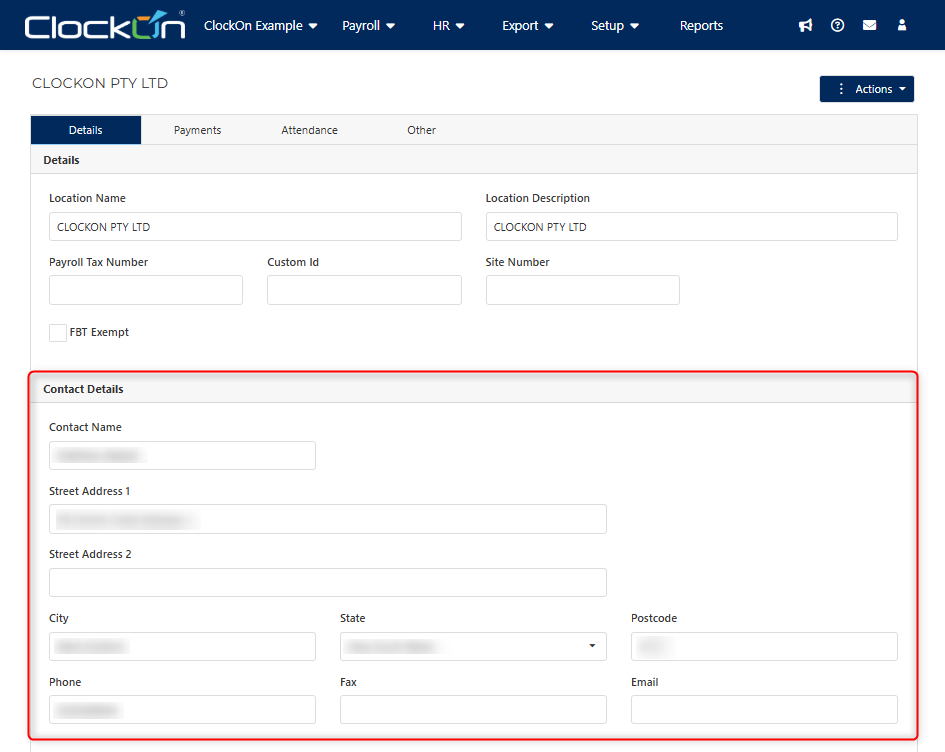
Ensure that the values in the Contact Details section are set correctly
Contact Details
The next item to check is the Contact Details. These are considered as the overriding configuration settings for the company in regard to reporting and submissions to the ATO.
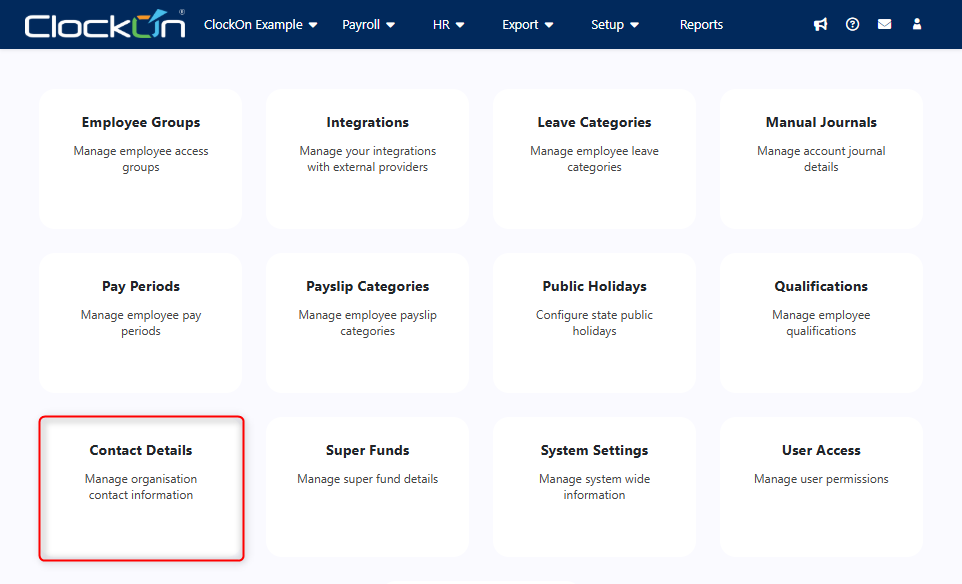
These settings can be checked by opening the Setup > Additional Settings menu item.

And selecting the Contact Details tile
From here the Contact Details for the company can be checked/updated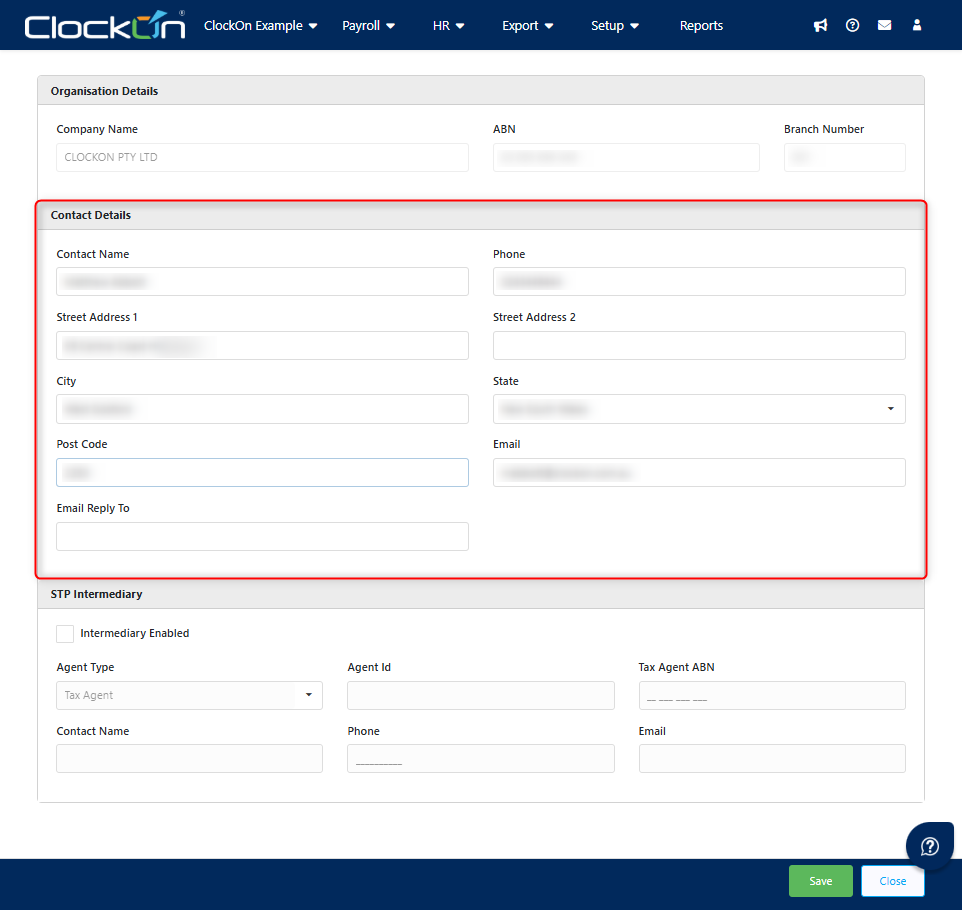
Subscription Details
This level relates to the contact details for your individual subscription and what we will use for payment invoice.
This can be accessed by clicking on your company name in the menu bar and selecting Subscription.

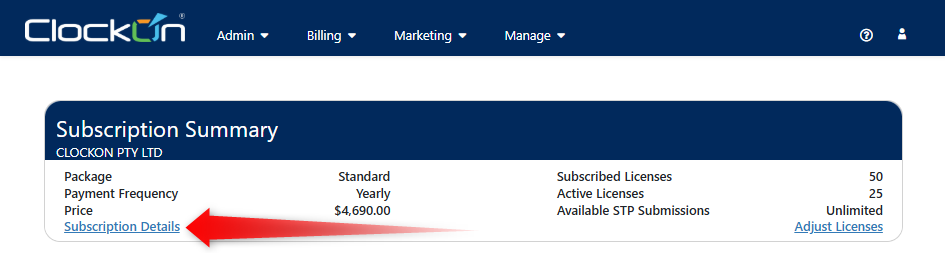
Next use the Subscription Details link to move to your contact detail settings.
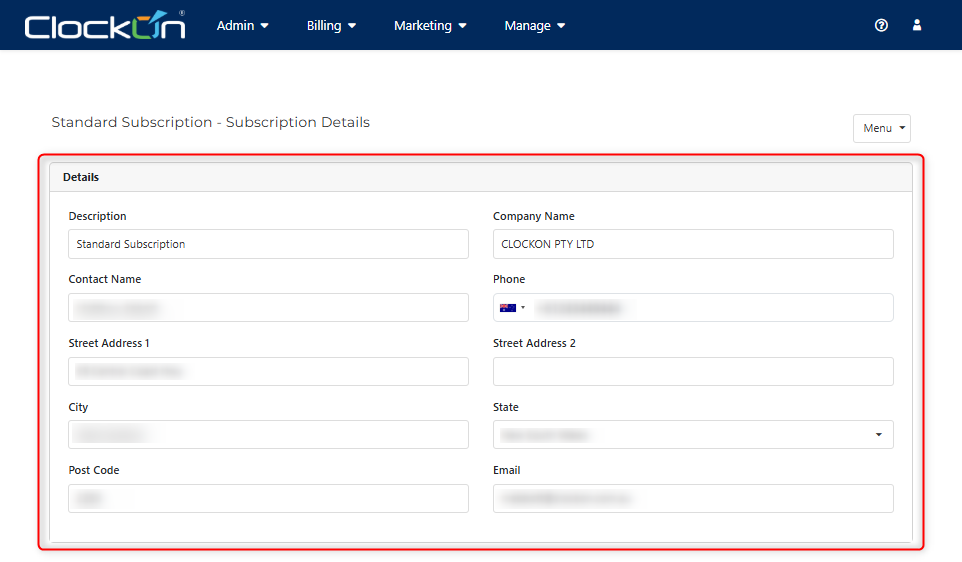
You will then see the current the subscription contact details and can view/update them as needed.
If you also need to update your payment details, you can do this from here using the Menu options.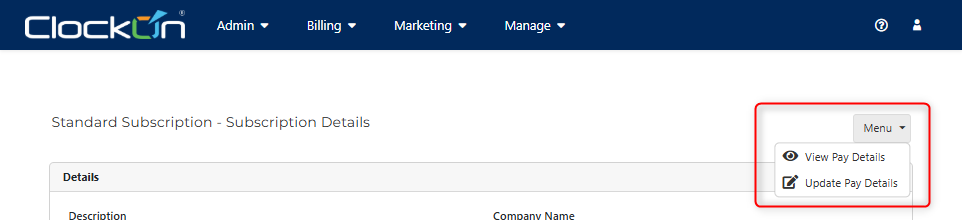
Account Details
This level is for the primary contact at the account level and is mainly useful for customers that manage a large number of clients across several subscriptions.
This can be accessed by clicking on your company name in the menu bar and selecting Account Details.
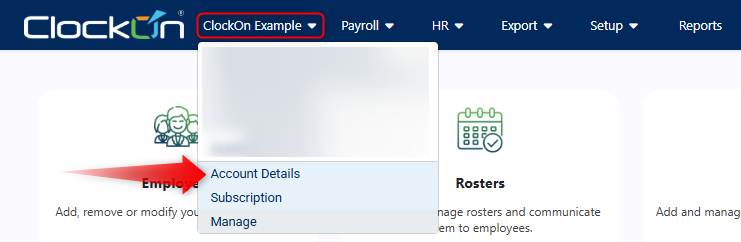
You will then be able to view/modify the account contact information as required.
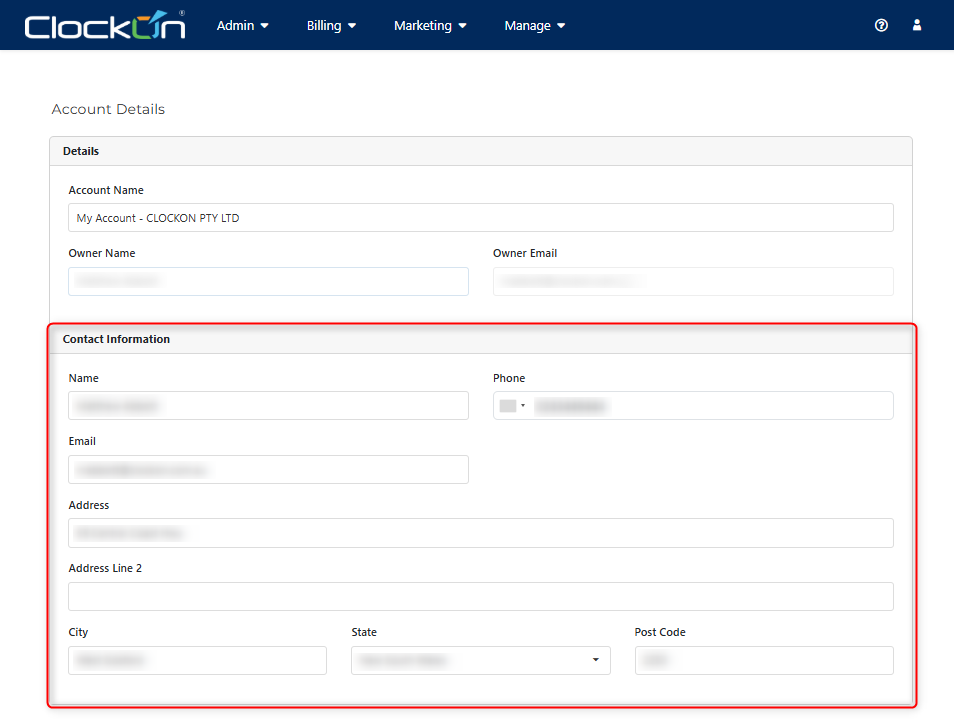
Note that you will not be able to change/alter the owner listed on this screen. If the ownership of the organisation is changing we recommend contacting our support team at support@clockon.com.au for assistance to ensure that this is done correctly in accordance with ATO requirements.